
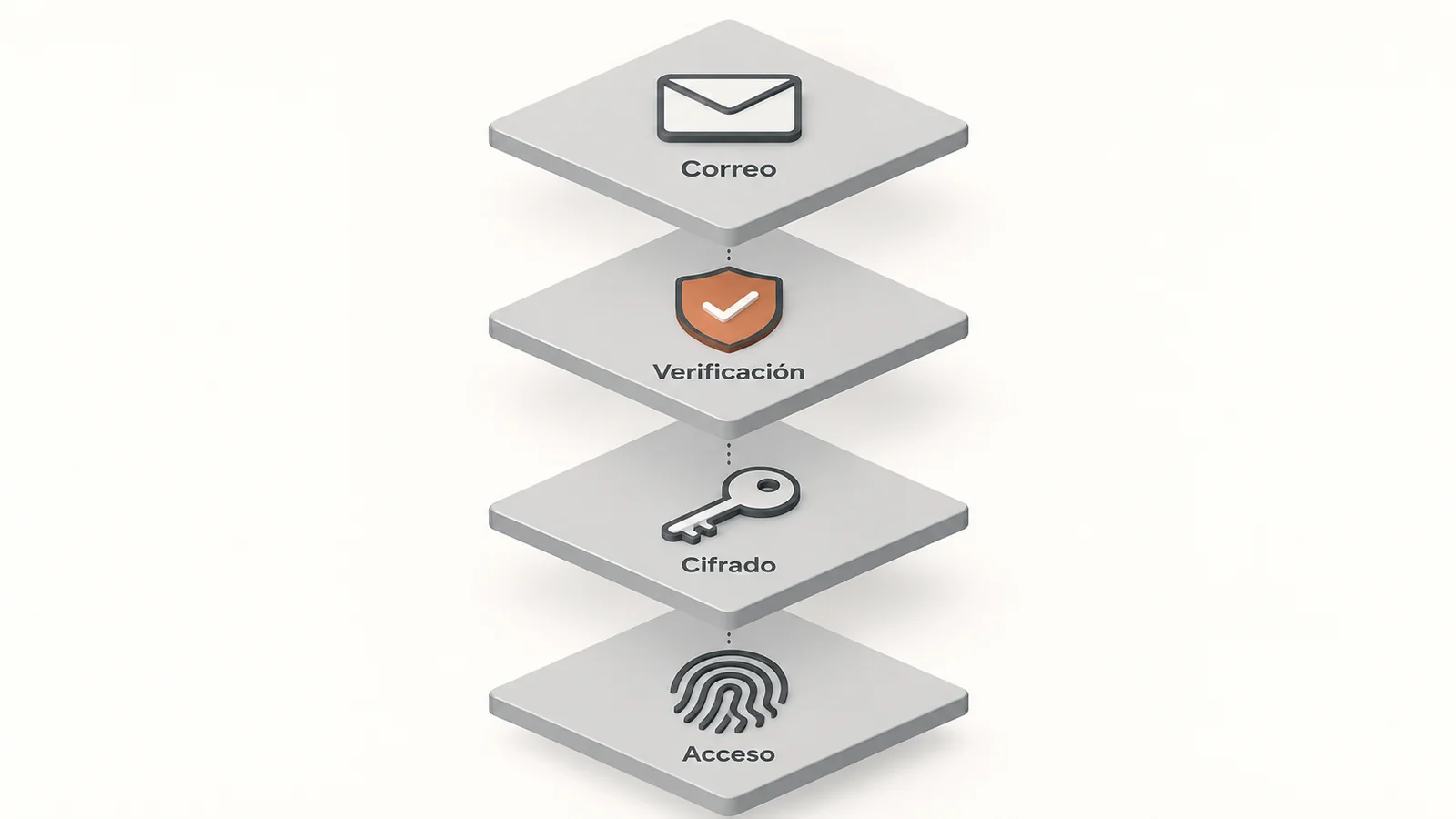
This oversight has a concrete cost. A management firm in Alcobendas, a workshop in Getafe, or a shop in Chamberí receive messages every week impersonating a supplier, a client, or the manager themselves. Checking how the company's corporate email is set up, who controls the domain, how stored messages are protected, and what is needed to access each mailbox, is now a basic management task, as essential as checking the premises' insurance.
How the 'changed invoice' scam works
The most common fraud in small businesses doesn't require any special software. The attacker obtains an employee's password, often through a message that mimics a login screen, or registers a domain name almost identical to a real supplier's, with a changed letter or an extra hyphen.
Then they wait. They read the conversation threads, learn how each person writes, and identify when a payment is pending. They then send a brief, plausible message: the supplier has changed banks, and the next transfer should go to a new account. If no one confirms the change by phone, the money is sent and rarely recovered.
What makes this scam effective is that it relies on the existing trust between two companies. That's why defence starts with your own mailbox, before training or antivirus software.
What distinguishes a professional mailbox from an improvised one
Many freelancers and small businesses still operate with a free personal account or the mailbox included with their web hosting. It works for sending and receiving, but leaves gaps that become apparent when something goes wrong.
- Sender address. Improvised mailbox: generic name on a public domain, easy to imitate. Well-configured corporate email: address with the company's own domain.
- Domain authentication. Improvised mailbox: SPF, DKIM, or DMARC records cannot be published for an external domain. Well-configured corporate email: the company configures them, and other servers can detect impersonation.
- Employee departure. Improvised mailbox: the account often remains in the person's name. Well-configured corporate email: an administrator deactivates access and retains messages.
- Second access factor. Improvised mailbox: relies on each user enabling it. Well-configured corporate email: can be enforced for all staff from a central panel.
- Stored messages. Improvised mailbox: variable protection depending on the service. Well-configured corporate email: some providers offer end-to-end or zero-access encryption.
- Data protection. Improvised mailbox: difficult to prove where and how client data is stored. Well-configured corporate email: defined retention policies, useful for GDPR compliance.
The domain authentication point deserves attention. SPF, DKIM, and DMARC are records that the domain owner publishes to indicate which servers are authorised to send email on their behalf. Without them, anyone can send messages that appear to come from the company, and customers have no easy way to distinguish them.
The Community is already measuring companies' cybersecurity
Email security is no longer just a technical issue. The Madrid Excelente seal, which distinguishes companies and entities in the region, has a variant focused on this area. Asepeyo, for example, holds the Madrid Excelente 'Cybersecure Place' designation, as reported by La Voz de Madrid when covering the award of the seal to the mutual insurance company.
The initiative stems from an agreement signed by the Community of Madrid in June 2025 to incorporate specific cybersecurity criteria into Madrid Excelente, with the backing of the regional Cybersecurity Agency. The same agreement mentions the adaptation of Madrid-based companies to the European NIS2 directive and the National Security Scheme.
A ten-person SME is probably not directly obligated by these regulations. Their larger clients and the administrations they work with may be, and it's reasonable to expect them to ask for greater assurances from their suppliers about how they protect the information exchanged via email.
A half-hour review to get started
You don't need to hire an audit firm to take the first steps. Simply sit down with whoever manages the IT, even if it's an external provider, and answer a few specific questions: who is the domain registered to, do SPF, DKIM, and DMARC records exist, how many accounts are still active for people no longer working at the company, and is the second access factor mandatory or voluntary?
It's also advisable to agree on a simple internal rule: no bank details changes will be accepted solely via email. Always confirm with a phone call to the number already listed in the supplier's file, never to the one provided in the suspicious message.
If the company's email has already suffered an unauthorised access, the 017 hotline of the National Cybersecurity Institute offers free support to companies and freelancers, and reporting to the National Police or Civil Guard is the preliminary step to attempting to recover a transfer.